
The National Eligibility cum Entrance Test (NEET) is India’s premier examination for aspirants seeking admission to undergraduate medical courses such as MBBS, BDS, and AYUSH programs. Conducted by the National Testing Agency (NTA), NEET serves as the gateway to numerous medical colleges across the country.
For the year 2026, NEET is expected to take place in the first week of May 2026 (tentative). A crucial aspect of this exam is the NEET Candidate Login portal, which facilitates various stages of the examination process, from application to result declaration.
This article provides an in-depth overview of the NEET Candidate Login for 2026, guiding aspirants through its functionalities, importance, and step-by-step procedures.
Important Dates for NEET 2026
| Events | Dates |
| NEET 2026 Registration Begins | February 2026 (Expected) |
| NEET 2026 Registration Ends | March 2026 (Expected) |
| NEET 2026 Examination | First Week of May 2026 (Tentative) |
*Note- NEET 2026 registration dates will be confirmed through the official information bulletin released by NTA. Candidates who successfully register will be able to use the NEET Candidate Login for processes such as application form correction, admit card download, and result checking.
What is the NEET Student Login Portal?
The NEET Candidate Login (https://neet.nta.nic.in/) is an exclusive portal provided by the NTA for applicants to manage various aspects of the NEET examination process. From initial registration to checking results, this portal ensures that candidates have a centralized platform to access and manage their examination-related activities.
It allows aspirants to download their admit cards, make corrections in their application forms, and check important notifications. Additionally, candidates can track their exam status and receive updates regarding counseling and seat allotment through the portal.
What are the Uses of the NEET Login Portal?
The NEET UG candidate login portal is indispensable for NEET aspirants due to the following reasons:
- Registration and Application Submission – Candidates can fill out and submit their application forms online.
- Application Form Correction – The portal allows candidates to rectify mistakes in their submitted application forms during the correction window.
- Admit Card Download – Aspirants can download their admit cards, which are mandatory for entry into the examination hall.
- Result Declaration – Post-examination, candidates can check their results and download scorecards.
How to Log in to the NEET Candidate Portal?
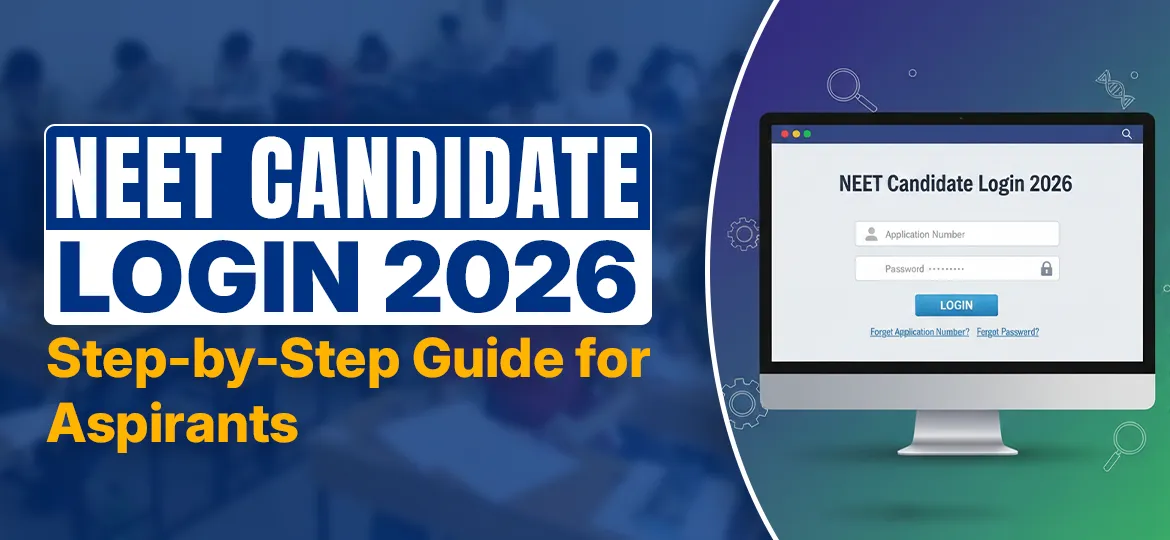
Logging in to the NEET candidate portal is essential for accessing application details, downloading the admit card, and checking results. Here are the details you’ll need for candidate login NEET 2026 online:
- Application Number: It is generated during NEET registration and sent to the registered email ID and mobile number. Candidates can also retrieve it by clicking on the “Forgot Application Number?” option on the login page.
- Password: Created by the candidate at the time of registration. If forgotten, it can be reset using the “Forgot Password?” link.
- Security PIN: A CAPTCHA code is displayed on the login page, which must be entered exactly as shown.
Follow these steps to log in:
- Visit the official NEET website: https://neet.nta.nic.in/
- Click on the “Candidate Login” option.
- Enter your Application Number, Password, and Security Pin.
- Click on the “Login” button.
After logging in, candidates can manage their application, make corrections, and download essential documents. It is advisable to keep login credentials secure for future access.
Step-by-Step Process to Use the NEET Candidate Portal
Once the online registration for NEET 2026 is completed, students can use the NTA NEET candidate login portal to download the admit card and check the NEET results once they are released.
The portal can also be used for correcting the NEET application form during the correction window (if opened by NTA). Candidates should regularly check the official website for updates.
1. Downloading Admit Card via NEET Login Page
The NEET 2026 admit card is expected to be released by NTA a few days before the exam date (tentative). Candidates can download their NEET 2026 admit cards through the following steps:
- Visit the official NEET website.
- Click on “Download Admit Card.”
- Enter the application number, date of birth, and security pin.
- Click on “Submit.”
- Download and print the admit card for future reference.
2. Checking NEET Results Through the Candidate Portal
The NTA is expected to release NEET 2026 results in June 2026 (tentative). Once released, students can use the online portal to check the results.
- Visit the official NEET website.
- Click on “NEET 2026 Result.”
- Enter the application number, date of birth, and security pin.
- Click on “Submit” to view the result.
- Download and print the scorecard for future use.
NEET Login Portal Common Issues and Troubleshooting
Some candidates may face login issues due to various reasons. Here are some common problems and their solutions:
| Issue | Possible Cause | Solution |
| Unable to log in | Incorrect application number/password | Use the “Forgot Password” option |
| Website not loading | Heavy traffic on the website | Try accessing during off-peak hours |
| Admit card not downloading | Incomplete application or payment issue | Verify application status and reattempt |
| Result not displaying | Incorrect credentials entered | Double-check and enter the correct details |
The Takeaway
The NEET Candidate Login portal plays a vital role in streamlining the application, examination, and result-checking processes. Aspirants must ensure they have their login credentials secured and regularly check the official NEET website for updates.
Proper knowledge of how to navigate the candidate login portal will help applicants stay informed and avoid last-minute hassles. For any official updates or assistance, candidates are advised to visit https://neet.nta.nic.in/.
FAQs on NEET Candidate Login
The password is created by the candidate during registration and is required for logging into the NEET portal. If forgotten, it can be reset using the “Forgot Password?” option.
Visit the official NEET website, register with personal details, fill out the application form, upload the required documents, pay the application fee, and submit the form.
The official website of NEET 2026 is https://neet.nta.nic.in/.
NEET 2026 registration is expected to start in February 2026 (tentative). Candidates should check the official NTA NEET UG website for confirmed dates.
This may happen due to heavy traffic, slow internet, or technical issues. Try again after some time, preferably during off-peak hours, or switch to another browser.
Read Also:
- NEET UG vs NEET PG
- How Many Marks Are Required in NEET for MBBS?
- Dress Code for NEET (Latest Guidelines)
- Will NEET Be Tough?
- NEET Total Marks, Marking Scheme & Cut-Off Trends
- NEET Preparation Guide (Updated)
